AI video is rapidly moving beyond novelty.
The question is no longer simply whether a model can generate a convincing moving image.
Creators increasingly want:
- Better realism
- More accurate prompts
- Consistent characters
- Cinematic camera control
- Native dialogue and sound
- Reference-based generation
- Production-ready resolution
Google Veo 3.1 is designed around that shift.
Google DeepMind currently describes Veo 3.1 as its leading video generation model, aimed at filmmakers and storytellers, with a strong emphasis on realism, prompt adherence, creative control and synchronized audio.
For creators, the important question is not whether Veo is technically impressive.
It is:
When does Veo 3.1 actually make sense for your project?
What Is Google Veo 3.1?
Veo 3.1 is Google DeepMind’s high-end generative video model.
It can create video from text and images while also generating audio as part of the same output.
That audio can include:
- Dialogue
- Ambient sound
- Sound effects
- Background audio
Google says Veo 3.1 is designed to improve realism, physical behavior, prompt adherence and creative control compared with earlier generations.
For creators, that places it firmly in the category of models intended for more polished visual work rather than only rapid experimentation.
Think:
- Commercial concepts
- Cinematic short-form video
- Character-driven scenes
- Advertising
- Storytelling
- Previsualization
- Premium social content
Veo 3.1 Is Built Around High Visual Fidelity
One of Veo’s clearest strengths is visual quality.
Google positions the standard Veo 3.1 model as the option for workflows where visual fidelity is the priority, including final production cuts. By contrast, Veo 3.1 Fast prioritizes speed and Veo 3.1 Lite prioritizes cost efficiency.
That distinction matters.
If you are generating quick ideas, the highest-fidelity model is not always necessary.
But if you are trying to create a hero shot for:
- A campaign
- A fashion film
- A commercial
- A cinematic sequence
- A high-end social ad
then small improvements in lighting, texture, movement and realism become much more valuable.
That is where the full Veo 3.1 model makes the most sense.
Native Audio Is a Major Part of Veo
One of Veo 3.1’s most notable capabilities is that audio is generated alongside the video.
Google specifically highlights the ability to create:
- Speech
- Environmental audio
- Sound effects
- Atmosphere
within the generated scene.
For example, a prompt could include:
A man standing at a train station.
The sound of commuters.
An announcement in the background.
A short line of dialogue.
Instead of generating silent footage and then building the soundscape separately, Veo can attempt to generate those elements together.
That can be particularly useful for short-form narrative videos.
Why Native Audio Matters for Creators
Sound changes the way a generated scene feels.
Imagine two identical clips.
In the first, a woman walks through an empty hotel corridor silently.
In the second, you hear:
- Footsteps
- Distant elevator noise
- Air conditioning
- A door closing
- Quiet music from another room
The visuals may be identical.
The second scene feels much more complete.
This is one reason native audio is important for AI video.
It can move a clip away from feeling like an animated image and closer to a complete audiovisual scene.
For advertising, dialogue-driven content and storytelling, that can significantly reduce the amount of additional production work required.
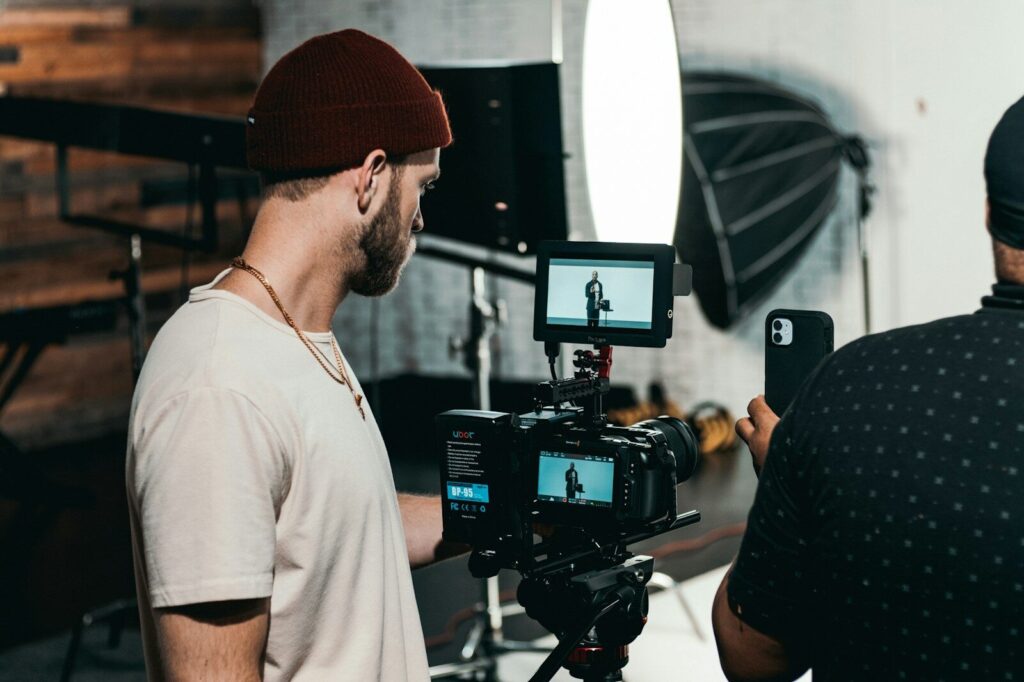
Spoken Audio Still Has Limitations
Native audio does not mean audio generation is perfect.
Google explicitly notes that natural and consistent spoken audio—particularly shorter speech segments—remains an area of active development.
That is worth keeping in mind.
For a cinematic scene with:
- Ambient sound
- Short dialogue
- Environmental effects
Veo may be highly useful.
For a production where precise spoken performance is critical, you may still want to separate the visual generation from the final voice workflow.
AI video should still be approached as production rather than magic.
Veo 3.1 Can Use Character References
For creators working with recurring AI characters, this is especially important.
Veo supports reference images of:
- Characters
- Scenes
- Objects
to help guide generation.
Google specifically describes character references as a way to help maintain a character’s appearance across different scenes.
This matters because one of the biggest problems in AI video remains identity consistency.
Without strong references, a character may subtly change:
- Face shape
- Eye structure
- Jawline
- Hair
- Apparent age
- Body proportions
between generations.
A reference-based workflow gives Veo a clearer visual target.
A Practical Refera + Veo Workflow
For a character-driven project, a practical workflow might look like this.
1. Choose the Character
Start with a defined visual identity.
2. Select Strong References
Use clear views such as:
- Frontal portrait
- Three-quarter view
- Profile
- Full-body reference
depending on the scene.
3. Define the Environment
Decide where the character is.
For example:
- Hotel lobby
- Train station
- Desert highway
- Fashion studio
- Futuristic city
4. Write the Scene Prompt
Focus on:
- Action
- Camera
- Lighting
- Mood
- Audio
5. Generate
Use the references to anchor identity while the prompt directs the scene.
This is much stronger than asking the model to reinvent the same person from text every time.
It also aligns closely with Refera’s reference-pack philosophy: establish the identity first, then build different productions around it.
Veo Supports Style References Too
Character consistency is only one use of reference imagery.
Veo can also use style references to guide the visual aesthetic.
That could include:
- Film noir
- Editorial fashion
- Hand-painted imagery
- Cinematic realism
- Stylized animation
This gives creators another layer of separation.
One reference can help define who is in the scene.
Another can help define how the scene looks.
That distinction is useful.
It allows the character identity to remain stable while the creative direction changes.
Camera Control Is Another Major Strength
A good AI video model should not only generate movement.
It should allow you to direct the movement.
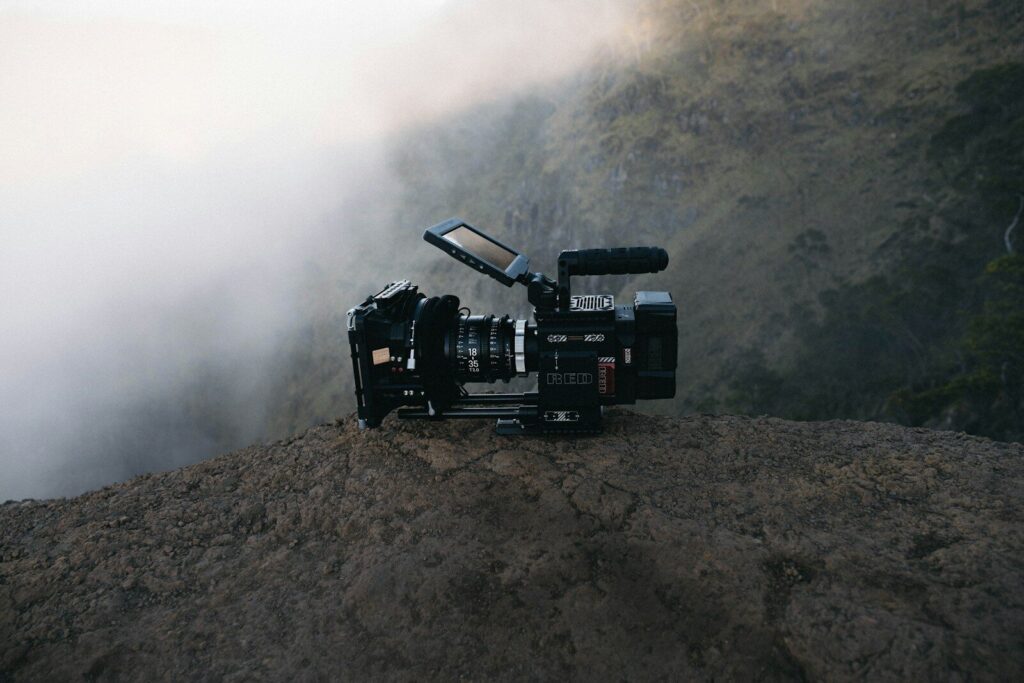
Google highlights camera controls as part of Veo’s creative toolkit, including control over framing and camera motion.
For filmmakers and visual creators, this matters because camera language is part of storytelling.
Consider the difference between:
- Slow push-in
- Handheld follow shot
- Static wide
- Low-angle tracking shot
- Overhead shot
The action might be identical.
The emotional effect is completely different.
This is where Veo becomes more useful for cinematic work.
Veo Can Work Between a First and Last Frame
Another useful production feature is first-and-last-frame guidance.
You can provide two images:
- Where the shot begins
- Where the shot ends
and let the model generate the movement between them.
This can be useful for:
- Controlled transitions
- Transformation sequences
- Camera movement
- Character blocking
- Product motion
It gives creators more influence over the structure of the generated shot.
Scene Extension Helps Build Longer Sequences
Veo also supports scene extension.
Google describes this as using the end of one clip to continue into a longer sequence while attempting to maintain visual and audio consistency.
This is valuable because generative video is increasingly moving from isolated shots toward connected storytelling.
You might generate:
Scene 1:
A character enters an empty restaurant.
Then extend:
Scene 2:
They walk toward a table.
Then:
Scene 3:
They notice an envelope waiting for them.
That is much closer to narrative production than simply generating unrelated clips.
Veo 3.1 Supports High-Resolution Output
Google lists 1080p and 4K output capabilities for Veo workflows, positioning 4K for productions where texture and visual detail matter more.
This is especially relevant for:
- Commercial work
- Large-screen display
- High-end editing
- Premium campaigns
Not every AI video needs 4K.
For rapid social content, it may be unnecessary.
But having the option is useful when the generated footage needs to sit closer to traditional production assets.
Veo 3.1 vs Veo 3.1 Fast vs Veo 3.1 Lite
Google now offers three main Veo 3.1 tiers.
All three support native audio, but they target different workflows.
Veo 3.1
Best when:
- Visual fidelity matters most
- You need hero shots
- The output may appear in a final production
- Quality matters more than iteration speed
Veo 3.1 Fast
Best when:
- You need faster generation
- You want to iterate on ideas
- You are producing standard content at higher volume
- You still want strong quality
Google describes Fast as the option for faster video generation while maintaining high quality.
Veo 3.1 Lite
Best when:
- Cost matters most
- You need higher-volume generation
- You are rapidly testing many variations
- You are building scalable applications
Google calls Lite its most cost-effective option and specifically positions it for high-volume workflows and rapid iteration.
A Smart Workflow: Iterate Cheaply, Finish With Fidelity
For many creators, the most practical approach may be to use more than one tier.
For example:
Step 1:
Test the concept with Lite.
Step 2:
Refine the prompt with Fast.
Step 3:
Generate the strongest final version with Veo 3.1.
That allows you to avoid spending maximum compute or budget on every experiment.
The more mature AI video workflows become, the more important this type of model selection will be.
Not every shot deserves the same production resources.
When Should You Use Veo 3.1?
The full Veo 3.1 model makes the most sense when you care about:
Cinematic Realism
When lighting, movement and visual texture need to feel polished.
Character-Based Content
When you need a recurring identity and can supply visual references.
Commercial Concepts
When the output needs to feel closer to a polished campaign than an experiment.
Dialogue and Sound
When native audio adds meaningful value.
Storytelling
When camera language, character continuity and atmosphere matter.
High-End Previsualization
When directors or creatives want to explore how a production could look before filming.
When You May Not Need It
Veo 3.1 may be unnecessary for:
- Quick visual tests
- Throwaway concepts
- Simple animation
- Very high-volume ideation
- Early prompt experimentation
In those cases, Fast or Lite may be more efficient.
The key is to match the model to the stage of production.
Prompting Veo Like a Director
Google’s own prompt guidance emphasizes elements such as:
- Shot framing
- Camera motion
- Style
- Lighting
- Character description
rather than relying on vague one-line prompts.
For example, instead of:
“Woman walking in a hotel.”
try:
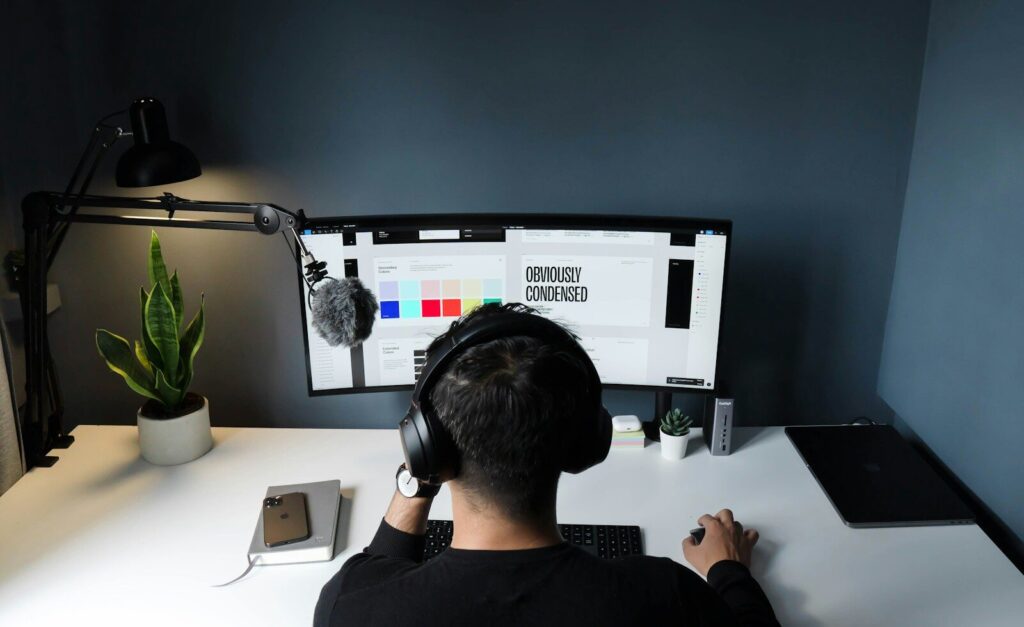
“Medium tracking shot of the character walking slowly through a dim luxury hotel corridor. Warm wall lighting, shallow depth of field, restrained expression. Camera follows from slightly behind before moving to a three-quarter view. Quiet footsteps and distant elevator chime.”
That gives Veo:
- Subject
- Action
- Camera
- Lighting
- Performance
- Audio
Think like a director, not a search engine.
Why Veo Matters for AI Character Work
For Refera-style workflows, Veo is interesting because it reinforces a broader shift in generative media.
The character no longer needs to be invented inside every prompt.
Instead:
Choose the identity.
Provide references.
Direct the scene.
That is much closer to digital casting.
Refera’s business is built around the idea that creators are not really buying JPEGs—they are gaining access to reusable visual identities for generative production.
Models like Veo make that concept increasingly relevant.
Final Thoughts
Google Veo 3.1 is best understood as a high-fidelity AI video model aimed at creators who want more control over both image and sound.
Its key strengths include:
- High visual fidelity
- Native audio
- Dialogue and environmental sound
- Strong prompt adherence
- Character references
- Scene and style references
- Camera controls
- First-and-last-frame generation
- Scene extension
- High-resolution output
The full Veo 3.1 model makes the most sense when quality is the priority.
Veo 3.1 Fast is better suited to faster production iteration.
Veo 3.1 Lite is aimed at cost-sensitive, high-volume workflows.
The bigger lesson is that AI video is becoming less about asking a model to “make something cool” and more about directing a production.
The character.
The camera.
The sound.
The lighting.
The world.
The more control creators gain over those elements, the closer generative video moves toward an actual filmmaking workflow.
Generate less randomly. Direct more intentionally.
Bring a Character Into Veo
Refera Studios creates distinctive fictional characters supported by structured visual references for reusable AI image and video workflows.
Choose a character.
Use the references to establish their identity.
Then use tools such as Veo to change the location, cinematography, performance and story around them.
Discover → Purchase → Create.
Products by Category
-
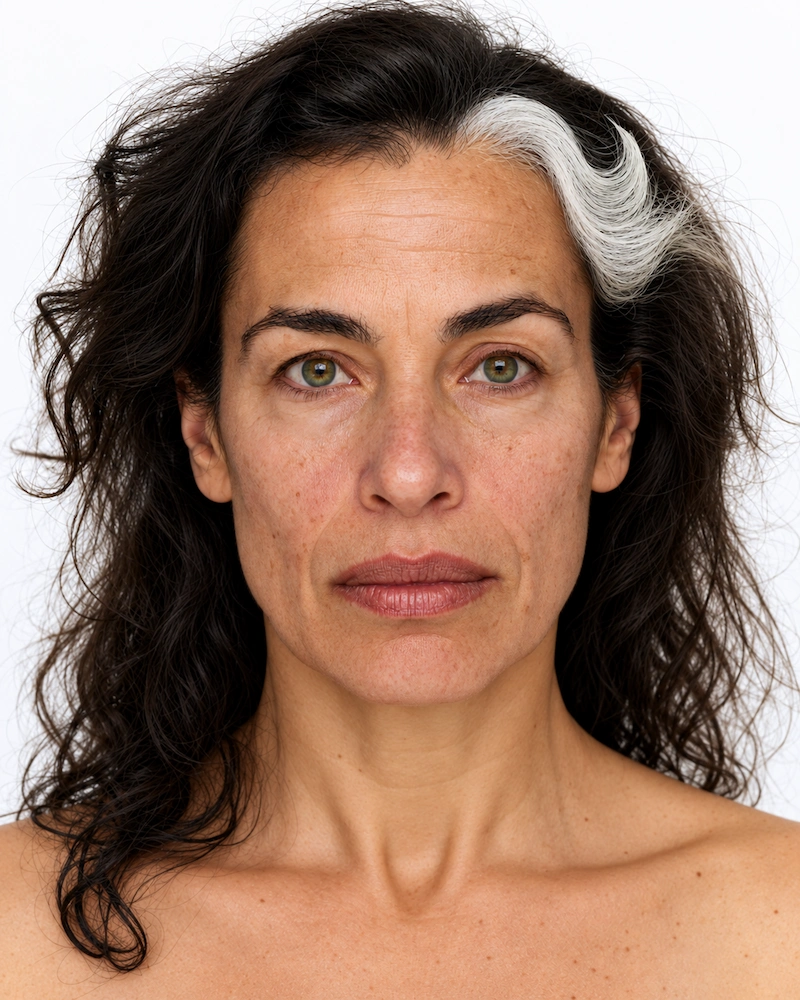
F-0005 SOFIA
€ 6,99 -
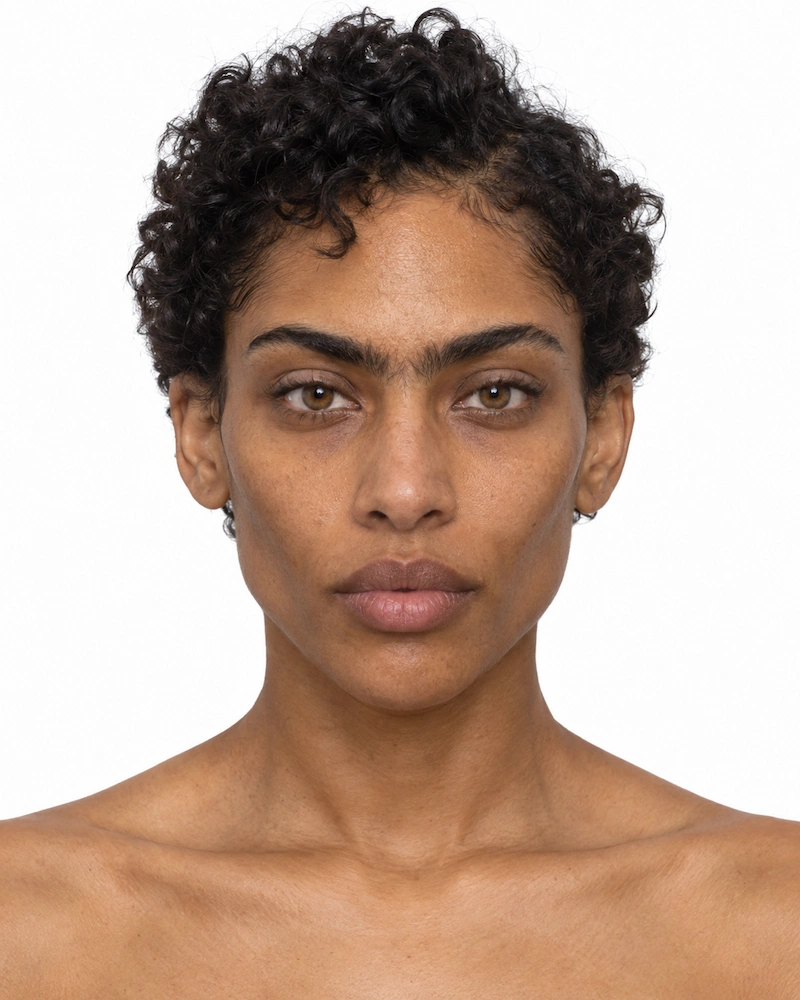
F-0020 NYX
€ 6,99 -
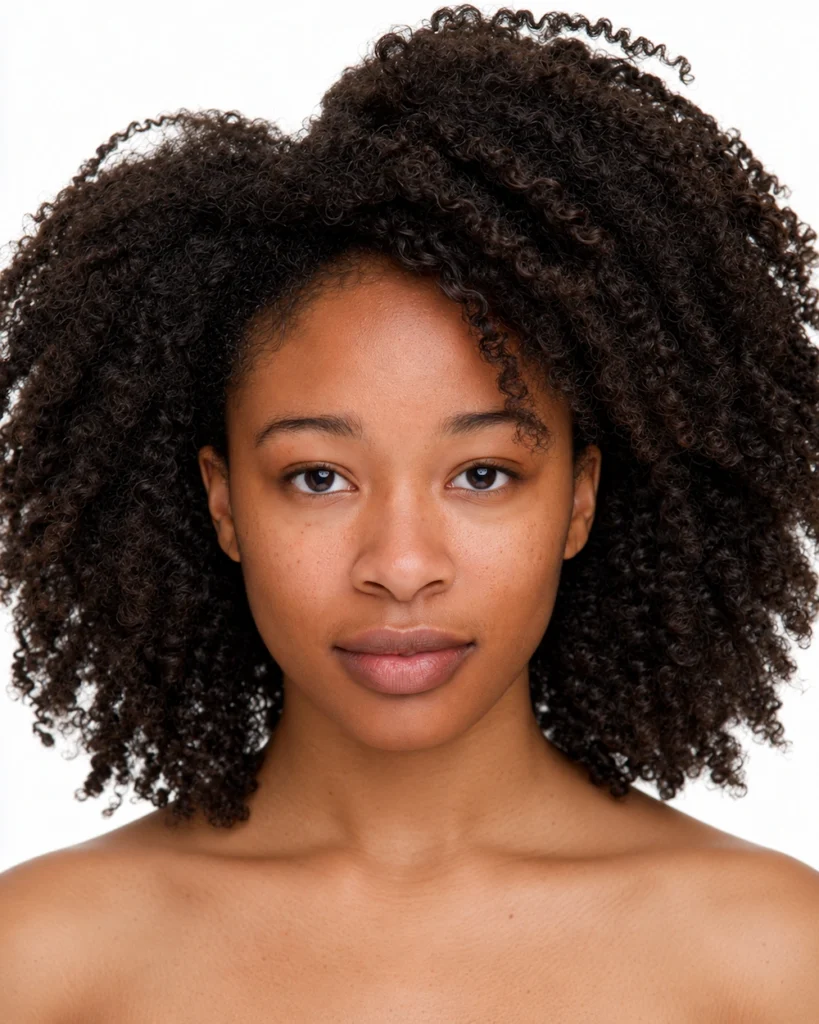
F-0004 ZURI
€ 6,99 -

M-0001 LEO
€ 6,99 -
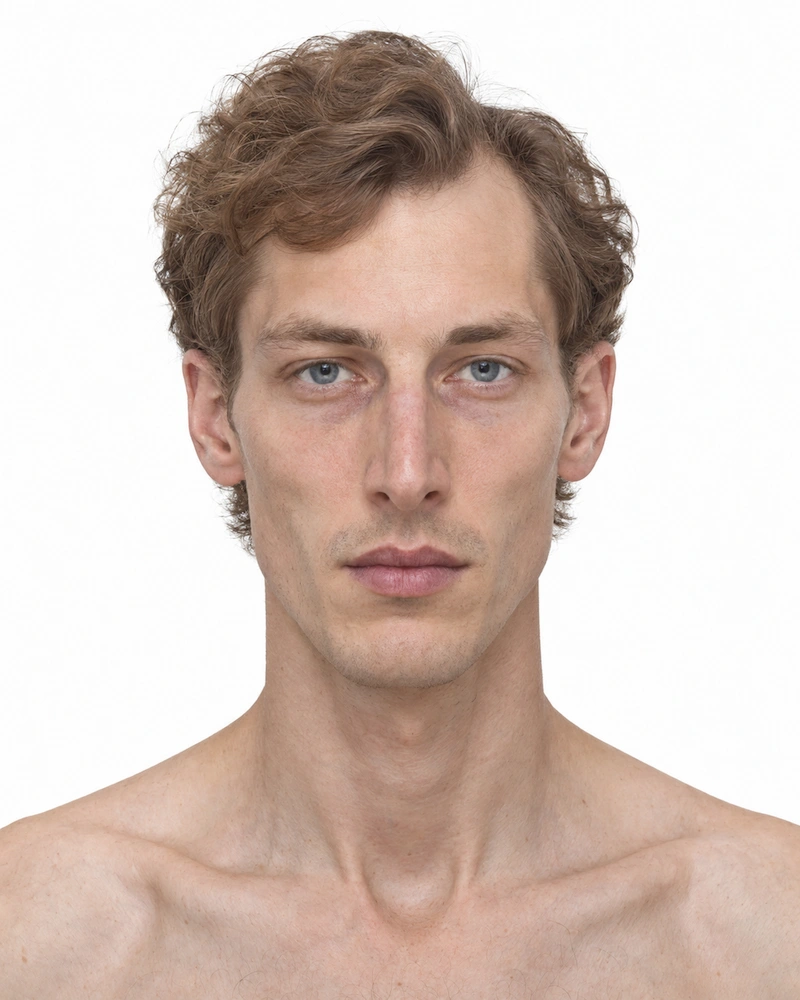
M-0002 ELIAS
€ 6,99 -
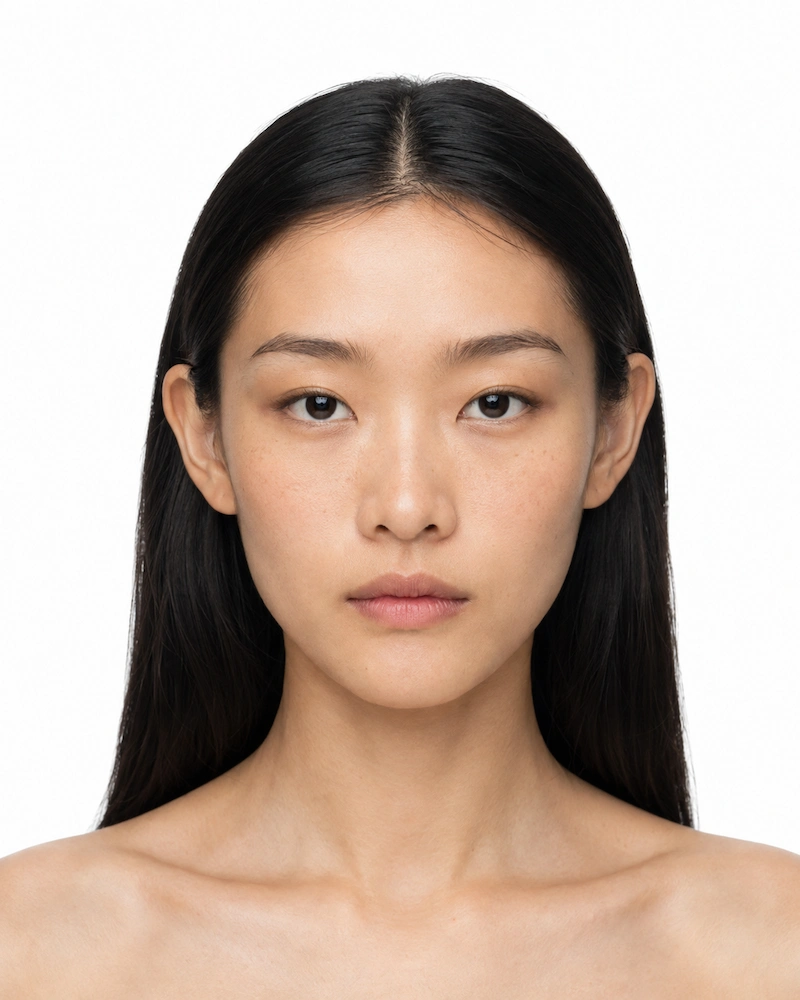
F-0003 MAYA
€ 6,99 -
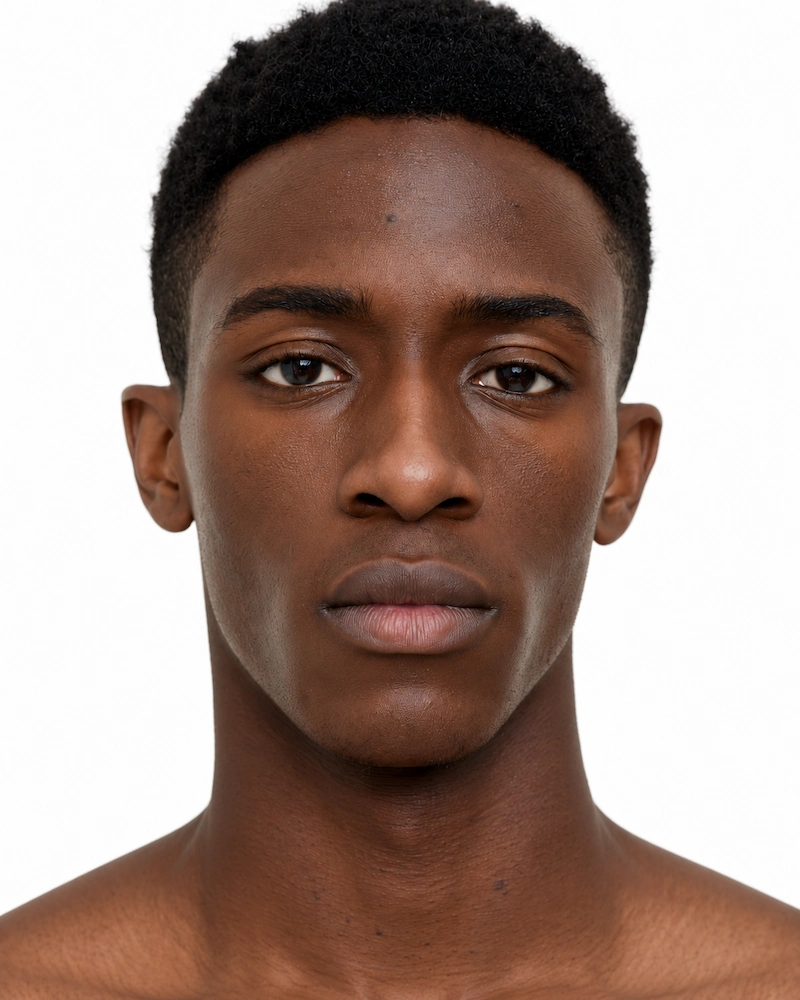
M-0003 MALIK
€ 6,99 -
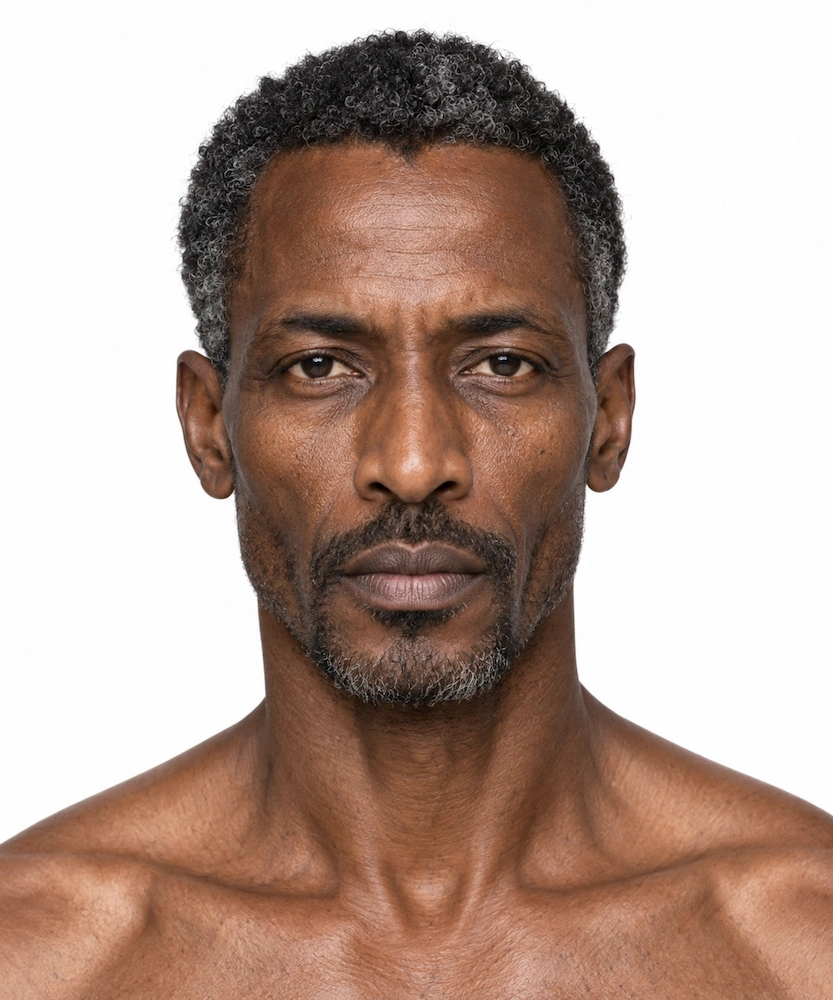
M-0007 IDRIS
€ 6,99 -
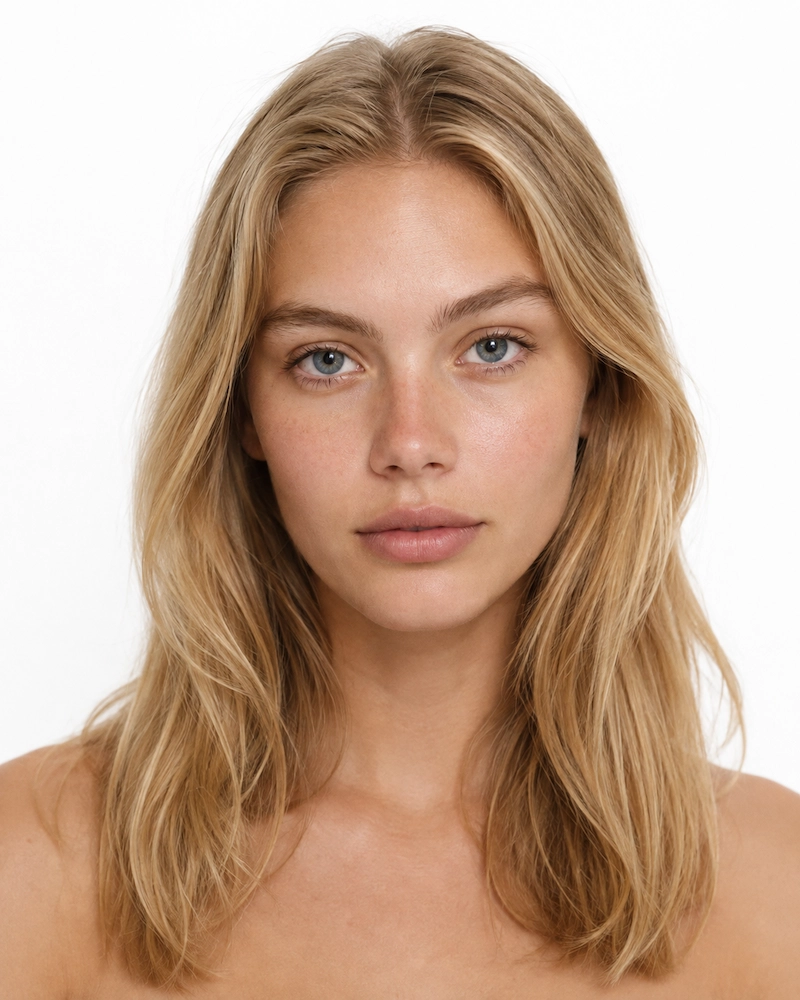
F-0001 AVA
€ 6,99