
AI video is no longer just about generating an impressive five-second clip.
Creators are increasingly building entire scenes, advertisements, short films, virtual influencers and recurring character-driven stories using generative video models.
Two major options are ByteDance Seedance 2.5 and Google DeepMind Veo 3.1.
Both offer advanced video generation, native audio and reference-based workflows. Both aim to give creators more control over what happens on screen.
But their strengths, tools and production approaches are not identical.
Seedance 2.5 places particular emphasis on longer sequences, multimodal references and targeted editing. Veo 3.1 emphasizes cinematic fidelity, prompt adherence, native audio and structured creative controls.
So which should you choose?
The answer depends less on which model looks best in a demonstration and more on what you are trying to create.
Seedance 2.5 vs Veo 3.1: Quick Comparison
Before exploring the details, here is how their published capabilities compare.
| Feature | Seedance 2.5 | Google Veo 3.1 |
|---|---|---|
| Developer | ByteDance | Google DeepMind |
| Primary focus | Longer storytelling and multimodal production | High-fidelity cinematic generation and creative control |
| Single-generation duration | Up to 30 seconds | Typically shorter clips, with extension workflows |
| Image references | Up to 30 supported in one generation | Character, scene and object references |
| Video references | Up to 10 supported | Video extension and motion-control workflows |
| Audio references | Up to 10 supported | Native audio generation and audio controls |
| Native audio | Yes | Yes |
| Character consistency | Multimodal character references | Character-reference and Ingredients-to-Video workflows |
| Editing | Timestamp-based and reference-driven editing | Scene extension, object editing and other creative controls |
| Resolution | Output options depend on platform | 1080p and 4K production options |
| Best starting point | Connected narratives and complex reference workflows | Cinematic shots and polished commercial concepts |
These are documented capabilities, not results from a controlled head-to-head benchmark. Availability and exact controls can depend on the platform or subscription used.
What Is Seedance 2.5?
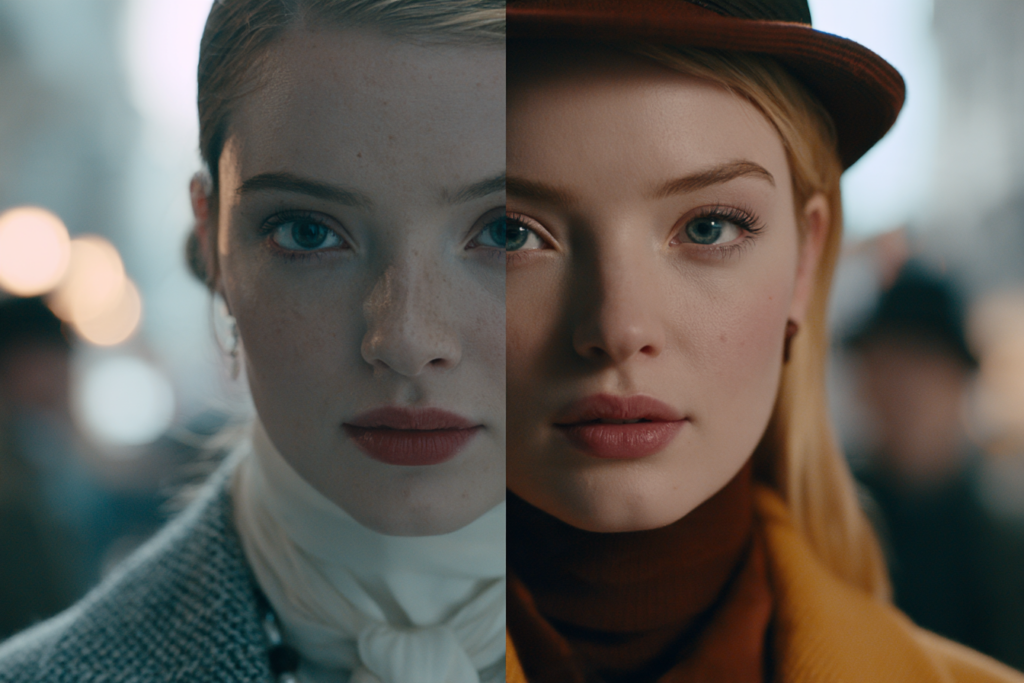
Seedance 2.5 is ByteDance’s generative video model, introduced in July 2026.
It builds on earlier Seedance generations with a stronger emphasis on producing complete creative sequences rather than isolated moments.
Its headline capabilities include:
- Up to 30 seconds of audio-video generation in a single pass
- Multiple rounds of video extension
- Up to 30 image references
- Up to 10 video references
- Up to 10 audio references
- Multi-shot storytelling
- Camera and motion referencing
- Timestamp-oriented editing
One of the most interesting developments is how Seedance combines multiple reference types.
You can potentially define the character using images, provide a separate reference for camera movement and use audio to guide the soundtrack or performance.
This makes Seedance particularly appealing when a creator already has several production elements prepared.
Rather than describing everything through text, you can supply visual and audiovisual ingredients directly.
What Is Google Veo 3.1?
Veo 3.1 is Google DeepMind’s high-fidelity generative video model.
It focuses on realistic visuals, natural movement, strong prompt adherence and audio generation.
Its creative capabilities include:
- Text-to-video
- Image-to-video
- Character and scene references
- Native dialogue and environmental audio
- Camera controls
- First-and-last-frame guidance
- Scene extension
- Object and motion controls
- High-resolution output options
Google also offers Veo 3.1 Fast and Lite variants for workflows where generation speed or cost efficiency matters more than maximum fidelity.
For filmmakers, advertising creators and visual storytellers, Veo’s combination of cinematic quality and structured controls makes it an attractive production option.
1. Character Consistency: Which Model Is Better?
Character consistency is one of the most important considerations for creators producing recurring content.
Imagine creating a fictional actor who appears in five different scenes.
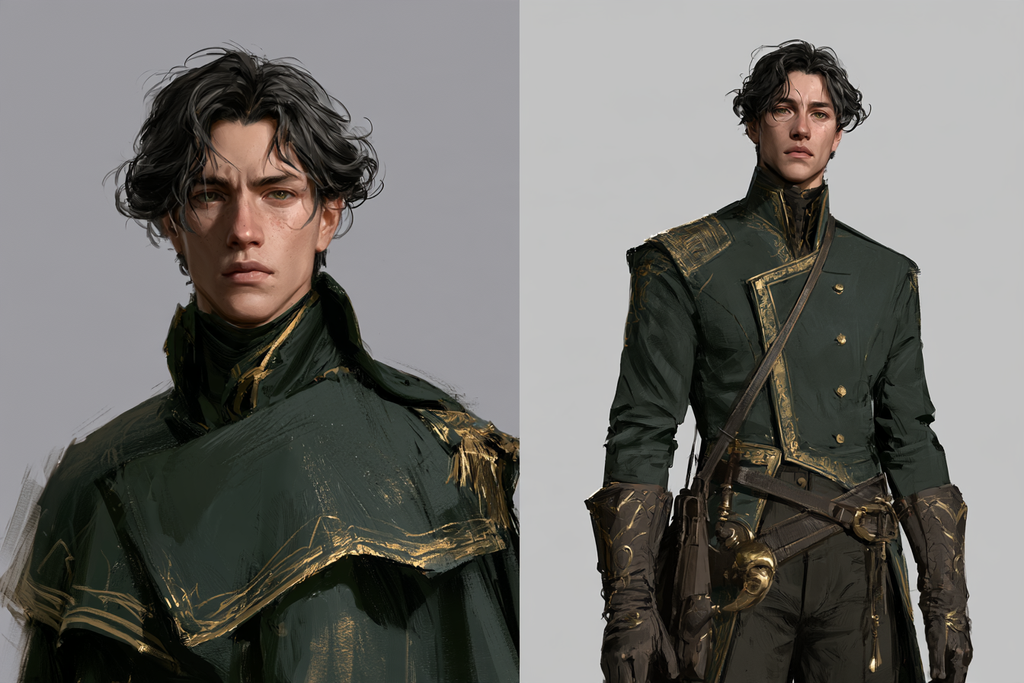
The character needs to retain recognizable facial anatomy, hair, skin characteristics and body proportions despite changes in clothing, lighting and camera angle.
Both Seedance 2.5 and Veo 3.1 provide reference-based workflows intended to support this.
Seedance 2.5 for Character Consistency
Seedance allows creators to provide multiple reference images alongside video and audio material.
This can be useful when different references communicate different aspects of the same character.
For example:
- Frontal portrait for facial identity
- Profile reference for side-view anatomy
- Full-body image for proportions
- Reference video for movement
- Environment image for the location
Its multimodal system is designed to combine these elements into a coherent generation.
Veo 3.1 for Character Consistency
Veo also supports character reference images.
Its Ingredients-to-Video approach lets creators provide visual material representing the character, objects or environment.
That is useful when you want to preserve a particular fictional identity while changing the scene around them.
Which Should You Choose?
Seedance is particularly interesting for workflows involving extensive reference material or complex character interactions.
Veo is appealing when character references need to support carefully directed individual cinematic shots.
Neither model can be declared universally more identity-consistent without testing both on the same character, prompts and scenes.
For either model, good reference material remains essential.
2. Storytelling and Video Length
This is one area where their documented production approaches differ noticeably.
Seedance 2.5: Longer Connected Sequences
Seedance 2.5 supports up to 30 seconds in a single generation.
That creates room for a short narrative to develop.
For example:
A character enters a hotel.
They cross the lobby.
They notice someone watching them.
They approach the elevator.
All of these beats could potentially belong to one generated sequence.
Seedance also supports extending the result into subsequent clips.
This makes it attractive for short-form storytelling where the sequence itself is the main creative unit.
Veo 3.1: Directed Clips and Scene Extension
Veo works particularly well within a shot-oriented filmmaking approach.
Creators can define an image, camera movement, action and audio, then generate the scene.
Veo also supports extending sequences while attempting to preserve audiovisual continuity.
Which Should You Choose?
If you want to generate a connected 20–30-second scene with several narrative beats, Seedance 2.5 has a compelling workflow advantage.
If you prefer crafting individual shots with careful cinematography and assembling them in an editor, Veo 3.1 is a strong fit.
Neither approach eliminates the need to review continuity.
3. Cinematic Quality and Visual Realism
Both models target convincing visual generation.
But their positioning differs.
Google emphasizes Veo’s realism, cinematic fidelity, prompt adherence and high-resolution production options.
This makes Veo worth considering for projects where visual polish is central.
Examples include:
- Luxury advertisements
- Editorial fashion films
- Cinematic close-ups
- Premium brand campaigns
- High-end product storytelling
Seedance 2.5 also emphasizes improved visual quality, movement, lighting and coherent shot transitions.
Its strength is not simply producing longer video, but supporting more complete scenes with several elements working together.
Which Should You Choose?
For a carefully directed, high-fidelity hero shot, Veo 3.1 is an obvious candidate to test first.
For a longer scene involving changing shots and connected action, Seedance 2.5 may be the more natural starting point.
However, neither developer’s promotional examples establish a definitive visual-quality winner across every genre.
4. Native Audio and Dialogue
Both Seedance 2.5 and Veo 3.1 generate audio alongside video.
That is important because sound can dramatically change how convincing a scene feels.
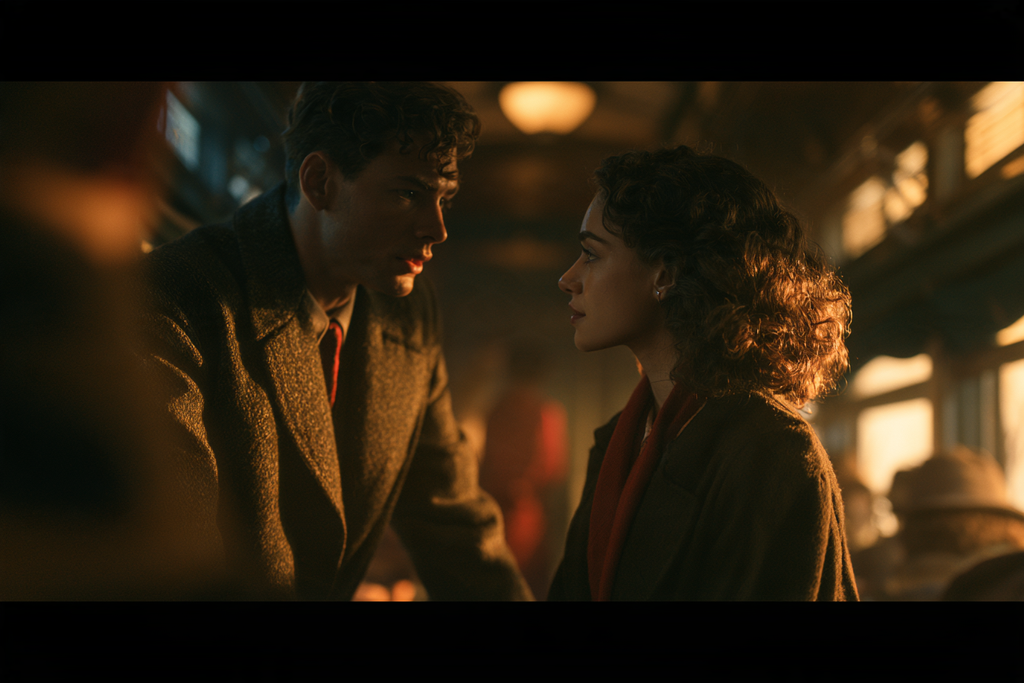
Consider a character walking through a train station.
Without sound, the shot may feel like an animated photograph.
Add footsteps, distant conversations, train announcements and environmental ambience, and the scene becomes much more immersive.
Seedance 2.5 Audio
Seedance supports joint audio-video generation and accepts audio references as part of its multimodal workflow.
This can be useful when you want to incorporate existing audio material into the creative direction.
Veo 3.1 Audio
Veo supports native dialogue, ambient sound and sound effects.
Google places particular emphasis on the relationship between generated visuals and synchronized sound.
Which Should You Choose?
Veo is an attractive option for cinematic scenes requiring dialogue and environmental sound.
Seedance is interesting when audio is one component of a larger reference-driven production.
For either model, precise dialogue, voice identity and lip synchronization should be checked carefully.
5. Motion and Camera Control
AI video becomes more convincing when movement feels intentional.
A slow camera push-in creates a different emotional effect from a handheld tracking shot.
A character turning naturally is very different from the camera moving around a static subject.
Both models offer ways to influence motion.
Seedance 2.5
Seedance supports motion and video references, including structural guidance derived from simplified 3D scenes.
This can help creators communicate:
- Character blocking
- Movement trajectories
- Camera paths
- Composition
- Shot transitions
These features are particularly relevant to complex scenes where spatial relationships matter.
Veo 3.1
Veo emphasizes camera and motion controls, first-and-last-frame generation and controlled subject movement.
These tools can help guide composition and cinematography without relying entirely on text descriptions.
Which Should You Choose?
Seedance is especially compelling when you have existing movement references or want to define a more elaborate sequence.
Veo is attractive when you want to direct a particular cinematic shot with controlled framing and movement.
The more complex the action, the more important actual testing becomes.
6. Editing and Iteration
One of the biggest practical costs in AI video is regeneration.
You create a promising clip.
Most of it looks excellent.
But one moment is wrong.
Maybe the character turns awkwardly.
Maybe the camera moves too early.
Maybe an object disappears.
A useful video model should make it possible to improve results without rebuilding everything unnecessarily.
Seedance 2.5
Seedance emphasizes timestamp-based editing and targeted changes to content.
The goal is to adjust specific actions, camera perspectives or narrative moments while preserving surrounding continuity.
Veo 3.1
Veo’s creative ecosystem includes extension, object manipulation and other editing-oriented controls.
These can be valuable when refining individual shots.
Which Should You Choose?
If timing and targeted narrative changes are central to your workflow, Seedance deserves serious consideration.
If your workflow revolves around building and refining individual cinematic clips, Veo offers a strong set of creative tools.
Actual efficiency depends on the interface, available features, generation time and number of retries.
7. Which Is Better for Different AI Video Projects?
The most useful comparison is often based on the production itself.
| Project | Model to test first | Why |
|---|---|---|
| Cinematic luxury advertisement | Veo 3.1 | High-fidelity visual focus |
| 30-second character-led story | Seedance 2.5 | Longer single-pass storytelling |
| Fashion-film hero shot | Veo 3.1 | Cinematic visual control |
| Recurring virtual influencer | Both | Character consistency requires testing |
| Multi-character narrative | Seedance 2.5 | Extensive multimodal references |
| Dialogue-focused short scene | Both | Native audio available in each |
| Complex motion-reference project | Seedance 2.5 | Video and structural referencing |
| Shot-by-shot short film | Veo 3.1 | Strong individual-shot workflow |
| Connected story with extensions | Both | Different extension approaches |
| High-volume concept testing | Veo Fast/Lite or other economical access | Cost and turnaround matter |
These are workflow recommendations, not controlled performance rankings.
8. How Should You Use These Models With Consistent AI Characters?
For creators using recurring fictional characters, the model is only one part of the workflow.
A strong production starts with a defined identity.
Before generating video, establish:
- What the character looks like
- Their defining facial features
- Their body proportions
- Their hairstyle
- Their age characteristics
- Their distinctive visual traits
Then select the reference material needed for the shot.
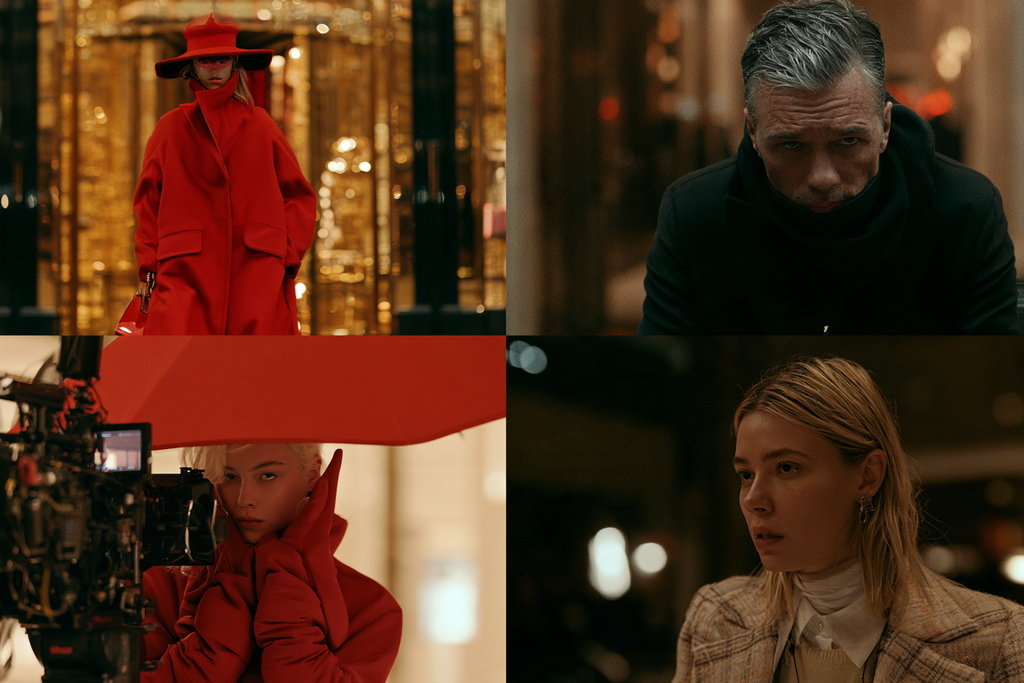
For example, imagine creating a recurring fictional detective.
You want the character to appear in:
- A hotel lobby
- A nighttime street
- A train carriage
- A luxury apartment
- A dramatic close-up
Rather than describing the detective from scratch in every prompt, establish the visual identity and keep returning to the same approved references.
This is the idea behind Refera Studios.
Refera creates distinctive fictional characters supported by structured visual reference material, allowing creators to begin with a recognizable identity rather than having to design and rebuild one repeatedly.
A production-ready reference pack can support either model, although the creator must adapt how the references are supplied to each platform.
The value is not that the pack guarantees perfect consistency.
It is that you begin with a clearer visual source of truth.
9. A Better Way to Compare Seedance and Veo Yourself
If you are genuinely deciding which model to use, run a small controlled test.
Choose one fictional character.
Use the same approved source material where the interfaces allow it.
Then generate four scenes:
Test 1: Close-Up
A character facing camera under natural light.
Evaluate facial accuracy.
Test 2: Profile
The character turns sideways.
Evaluate facial structure and identity drift.
Test 3: Motion
The character walks through an environment.
Evaluate motion, body proportions and temporal consistency.
Test 4: Dialogue
The character speaks briefly.
Evaluate voice, lip synchronization and overall believability.
Then compare:
- Identity consistency
- Visual quality
- Motion quality
- Audio quality
- Prompt adherence
- Number of retries
- Cost per usable clip
The last two measurements are particularly important.
A model that produces spectacular results occasionally may be less useful for your production than one that consistently generates acceptable footage with fewer attempts.
The best model is not necessarily the one with the most impressive demonstration. It is the one that gets your specific project finished reliably.
10. Can You Use Seedance and Veo Together?
Absolutely.
You do not need to commit to one model for an entire production.
A hybrid workflow could use Seedance for a longer connected narrative sequence and Veo for specific cinematic hero shots.
For example:
Seedance 2.5: Generate a character entering a hotel, crossing the lobby and approaching reception.
Veo 3.1: Generate a dramatic close-up of the character discovering something unexpected.
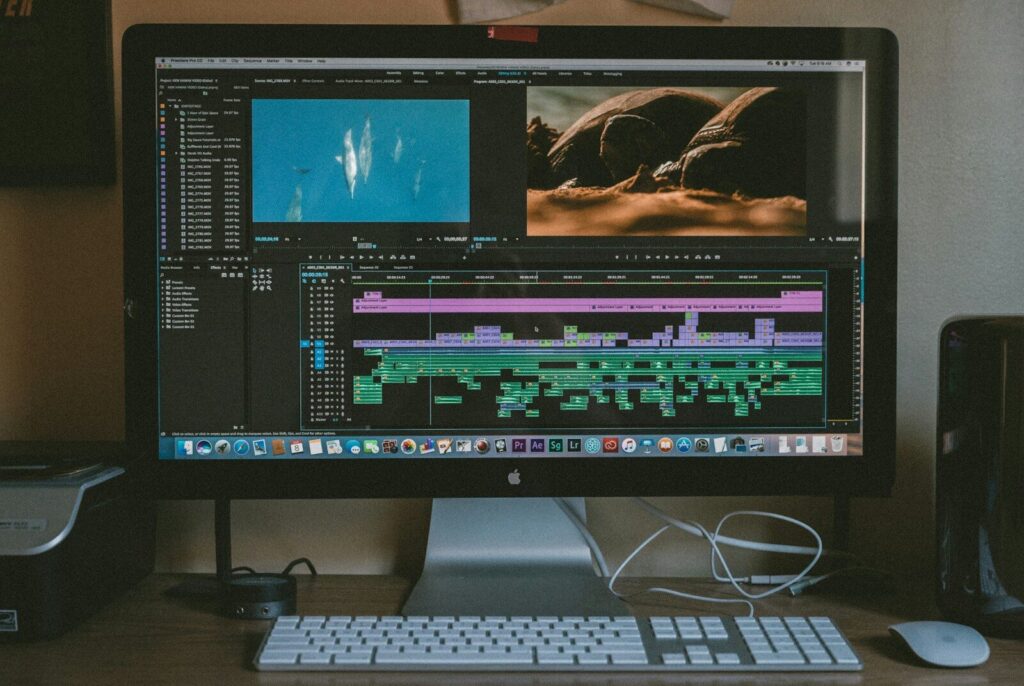
Editing software: Combine both into one coherent sequence.
The major challenge is continuity.
Different video models may interpret the same character, lighting and environment differently.
That is why consistent reference material becomes especially important in cross-model workflows.
Final Verdict: Seedance 2.5 or Veo 3.1?
There is no universal winner.
Both represent important directions in generative video.
Choose Seedance 2.5 when:
- You want longer connected sequences.
- You are building multi-shot narratives.
- You have multiple image, video or audio references.
- You need detailed control over action and timing.
- Your workflow emphasizes multimodal storytelling.
Choose Google Veo 3.1 when:
- You prioritize cinematic visual fidelity.
- You are producing polished commercial or editorial content.
- You want strong shot-level direction.
- Native dialogue and environmental audio are important.
- You want high-resolution production options.
For character consistency, test both.
Neither eliminates identity drift completely, and neither should be considered automatically superior for every face, angle or movement.
The most important principle applies regardless of which model you use:
Establish the character first. Direct the video second.
As AI video continues to improve, the role of reusable fictional identities will become increasingly important.
The creative challenge is no longer simply generating an impressive person in an impressive scene.
It is placing the same recognizable character into different worlds, stories and productions while maintaining their identity.
That is what turns isolated AI clips into character-driven filmmaking.
Find Your Cast Before Choosing Your Video Model
Refera Studios creates distinctive fictional characters supported by structured references for reusable AI image and video workflows.
Whether you’re exploring Seedance 2.5, Google Veo 3.1 or a combination of video generation tools, a recognizable character provides a stronger foundation for your production.
Choose your character.
Build your world.
Direct your story.
Discover → Purchase → Create.
Products by Category
-
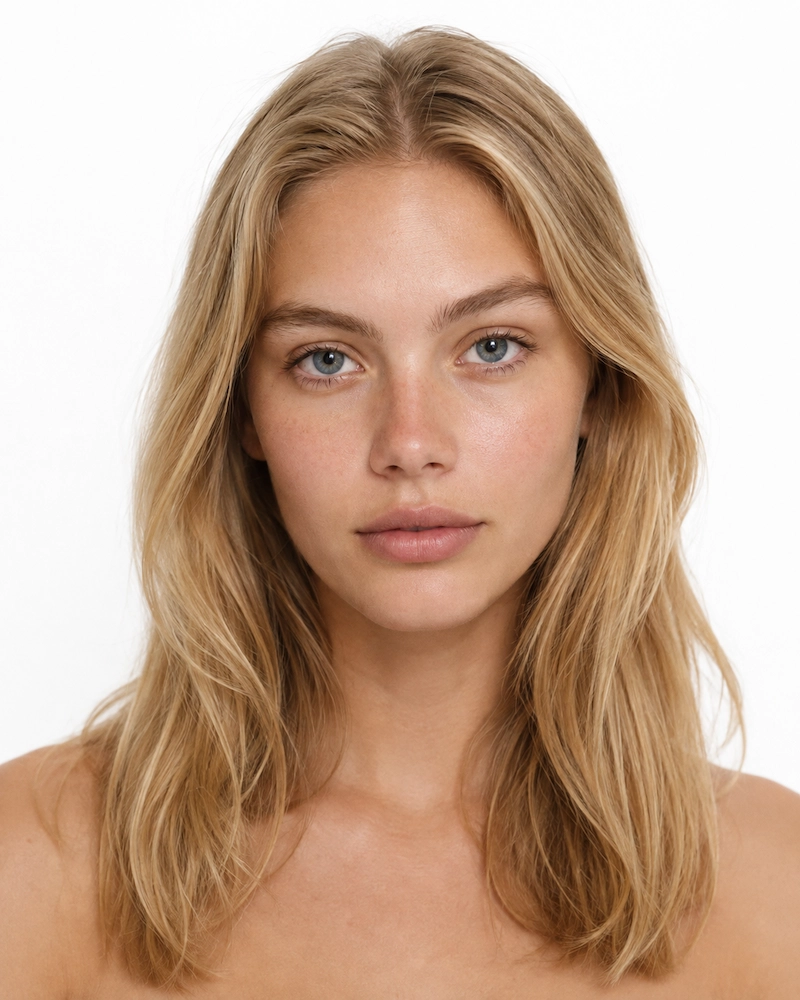
F-0001 AVA
€ 6,99 -
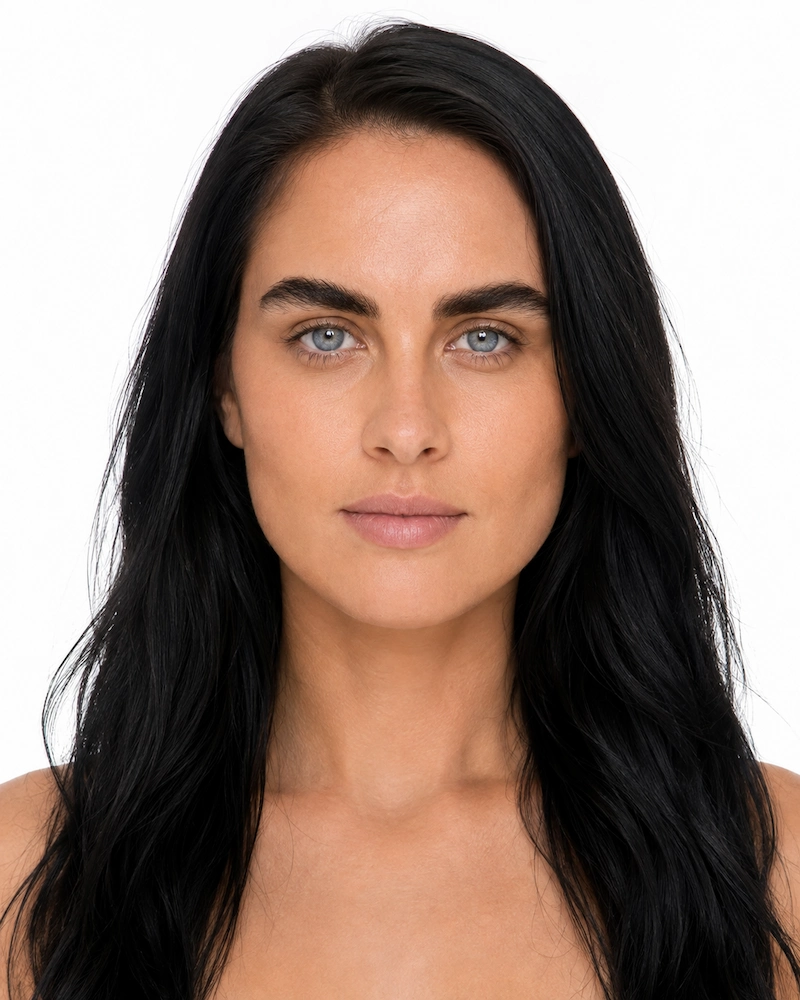
F-0002 NADYA
€ 6,99 -
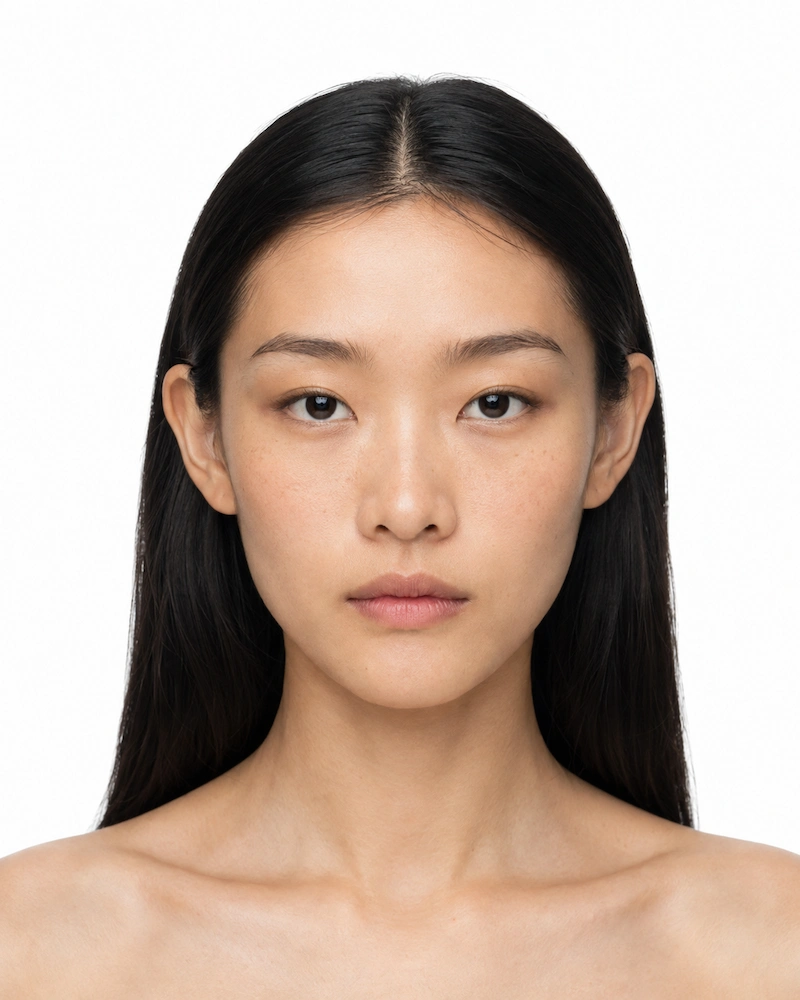
F-0003 MAYA
€ 6,99 -
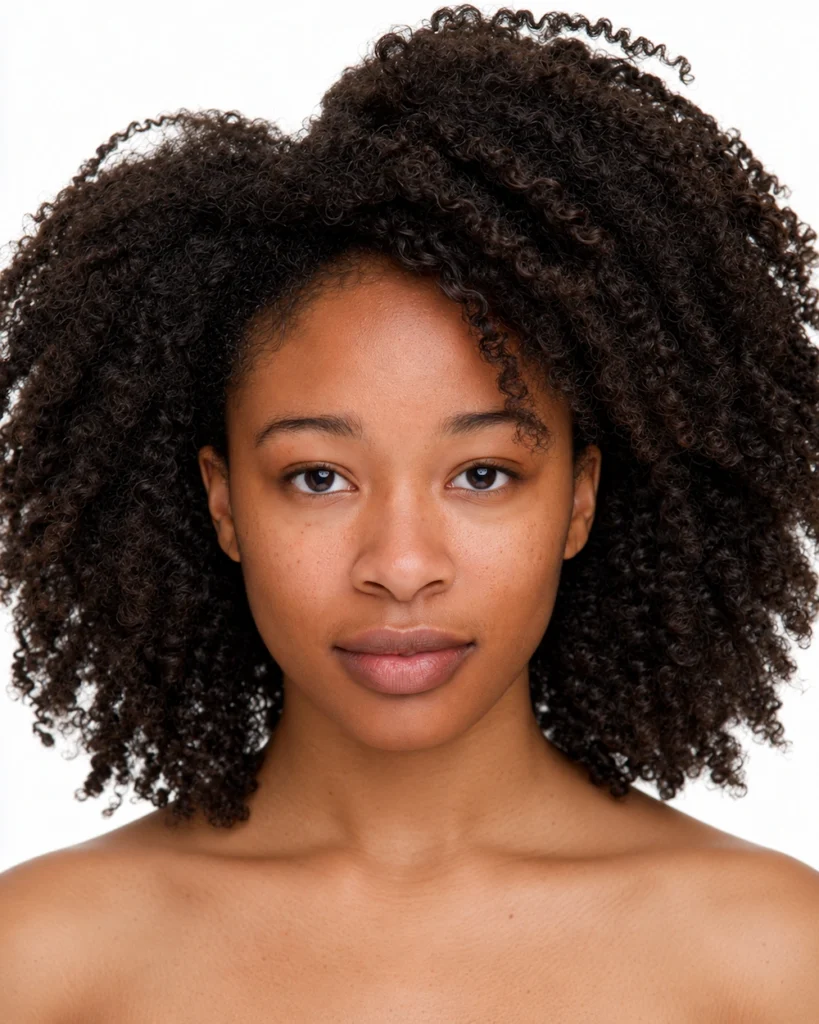
F-0004 ZURI
€ 6,99 -
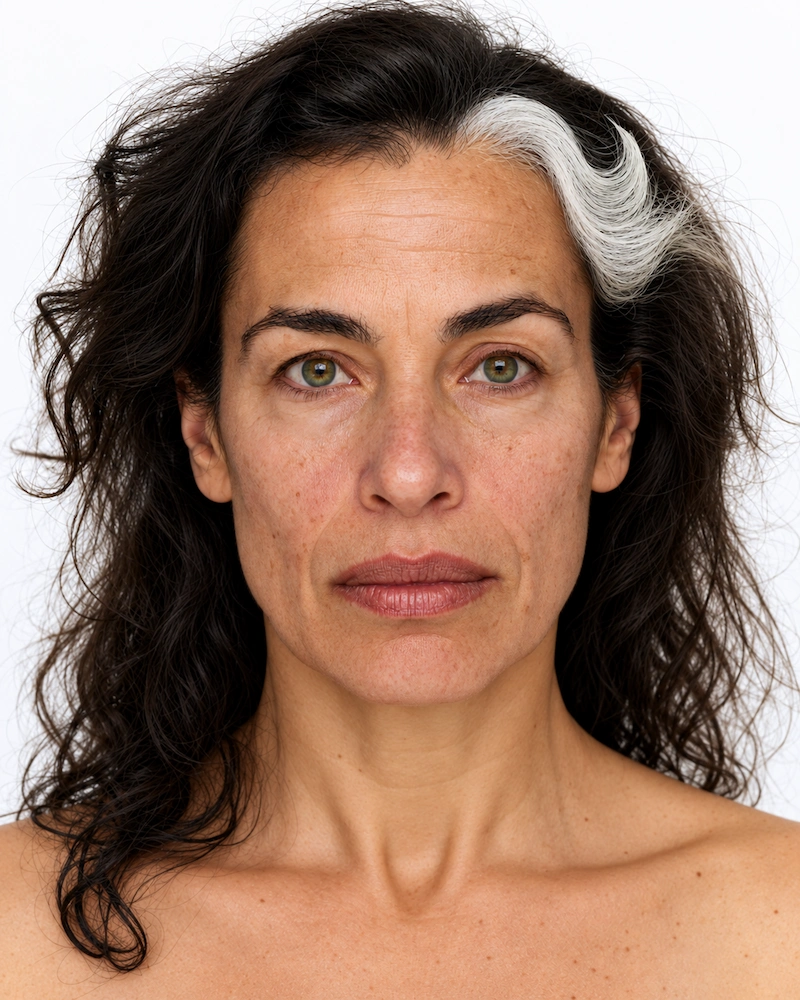
F-0005 SOFIA
€ 6,99 -
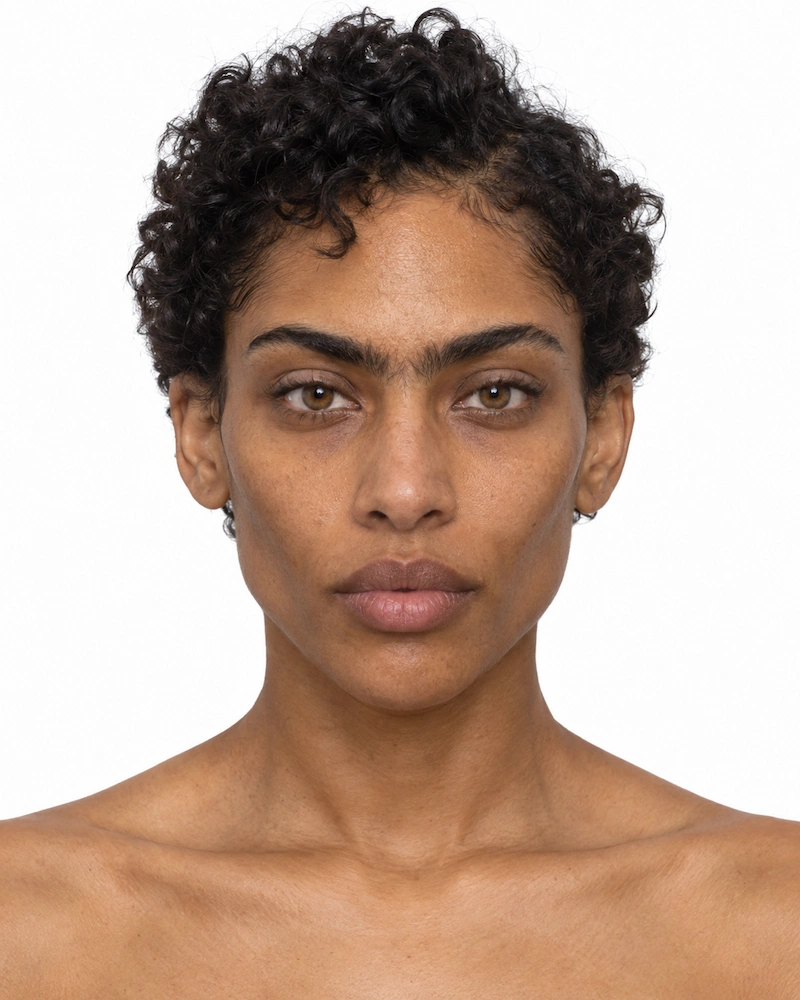
F-0020 NYX
€ 6,99 -

M-0001 LEO
€ 6,99 -
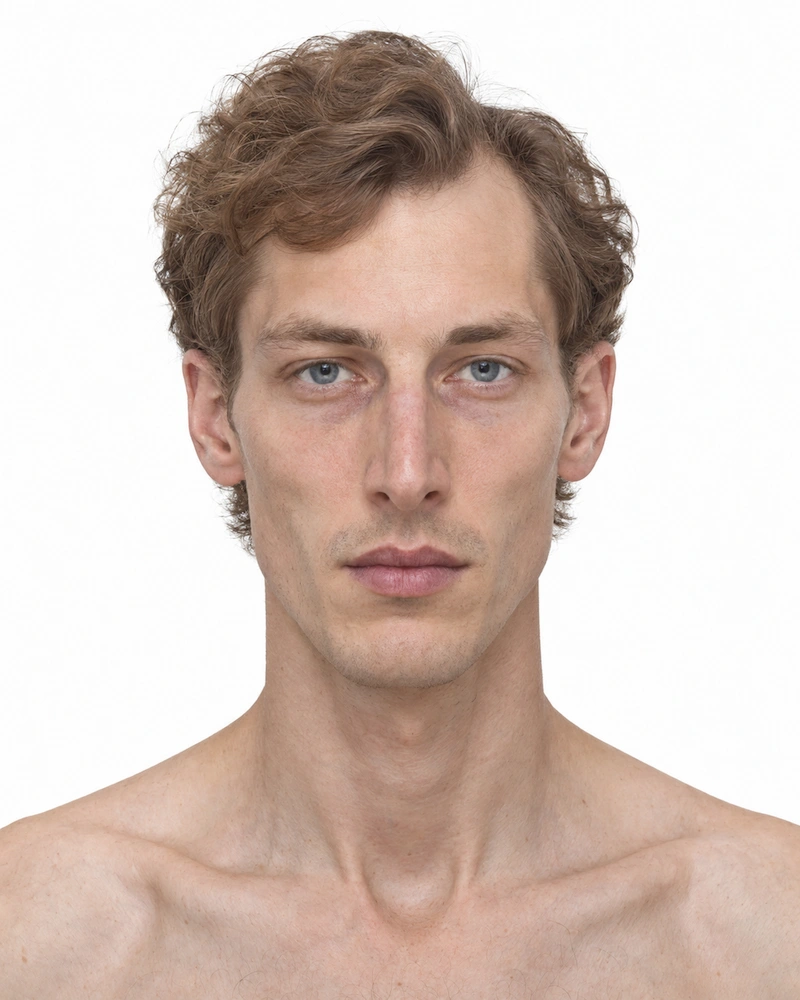
M-0002 ELIAS
€ 6,99 -
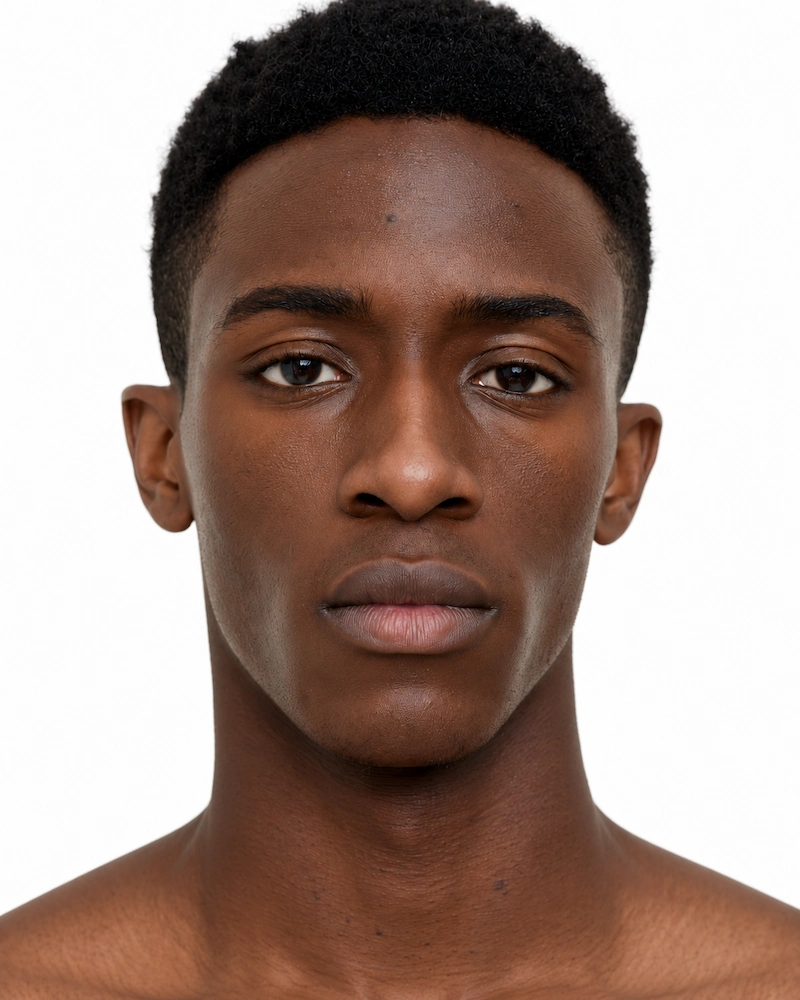
M-0003 MALIK
€ 6,99