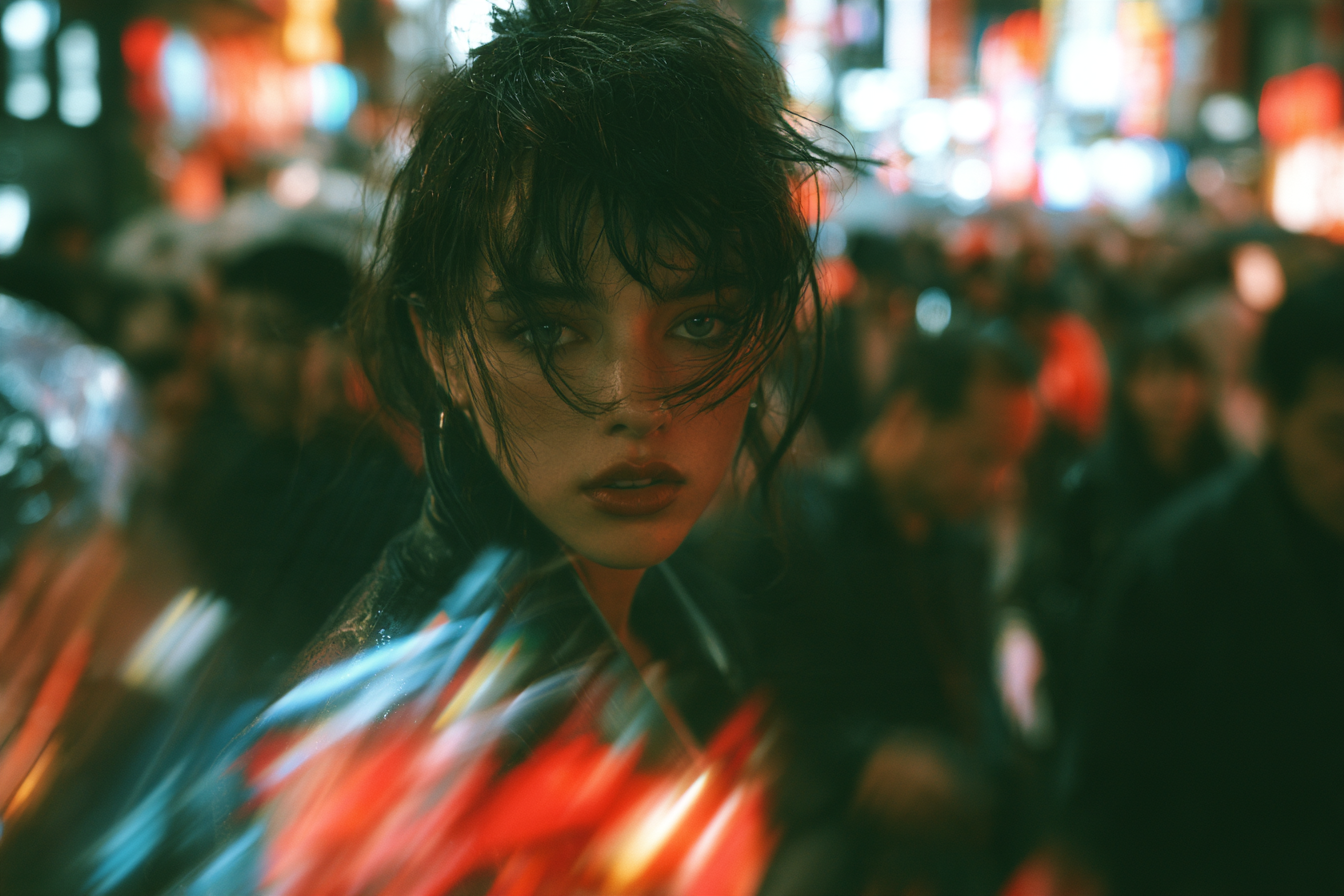
One of the most common mistakes in AI video is starting with the prompt.
You open the generator and type something like:
“Cinematic woman walking through a futuristic city at night, neon reflections, shallow depth of field, slow tracking shot.”
The result may look great.
But who is she?
Why is she there?
What does she want?
What makes her different from the thousands of other attractive AI-generated people who could appear in the same scene?
If you cannot answer those questions, the problem is not necessarily the prompt.
The problem is that there may not be a character yet.
There is only a person inside a shot.
For one-off experimentation, that may be enough.
But if you want to create memorable AI videos, recurring content, short films, virtual influencers or character-led campaigns, a stronger approach is to reverse the order:
Build the character first. Write the prompt second.
That small shift can improve almost every part of the creative process.
Why Starting With the Prompt Can Lead to Generic Results
AI video tools encourage you to think in scenes.
A woman in a nightclub.
A man driving through the desert.
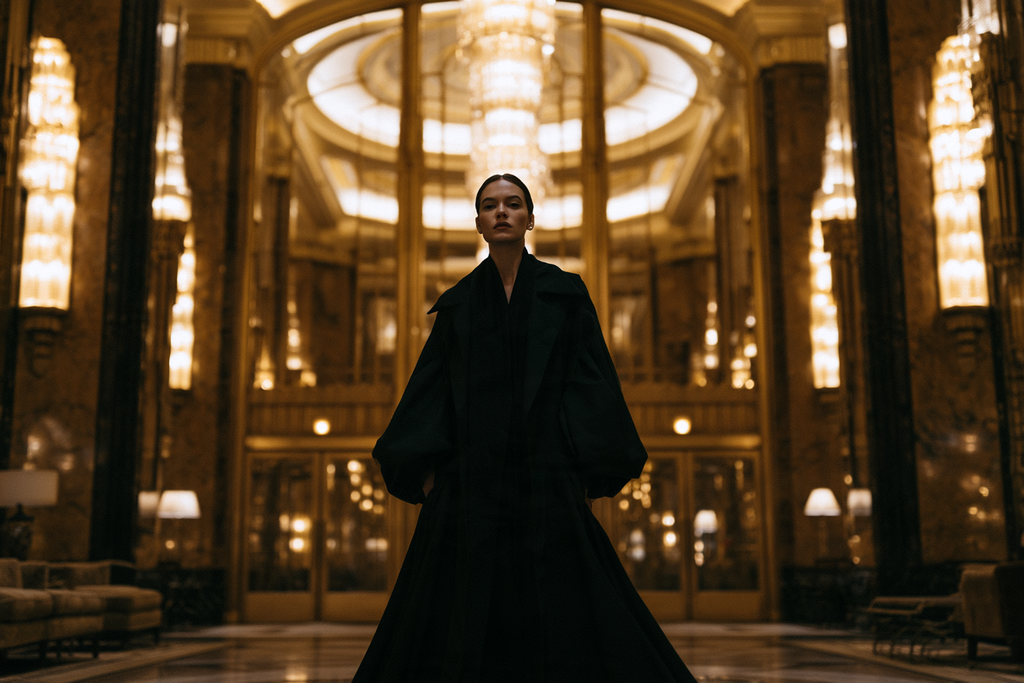
A model walking through a hotel.
A stranger on a train.
These are useful visual ideas.
But they are not characters.
If you start with the cinematography first, the person often becomes an accessory to the shot.
The model fills in whatever identity seems to fit the scene.
That is one reason AI video can become visually impressive but creatively repetitive.
The locations change.
The lighting changes.
The camera movement changes.
But the people often feel interchangeable.
A stronger character gives the scene a reason to exist.
Think Like a Casting Director
Before a traditional production shoots a scene, it usually knows who the actor is.
That matters.
The director is not reinventing the lead performer for every shot.
The cast already exists.
Generative video can benefit from the same mindset.
Instead of asking:
“What should I prompt?”
start by asking:
“Who am I putting on screen?”
That question leads to better decisions about:
- Appearance
- Styling
- Setting
- Behavior
- Shot design
- Story
- Continuity
It also aligns closely with Refera’s positioning as a digital casting library: the idea is to select a reusable identity first, then place that character into different productions.
Step 1: Define the Character’s Appearance
Start with physical identity.
Do not overcomplicate it.
You do not need a three-page description.
You need a few clear visual anchors.
For example:
- Age
- Face shape
- Hair
- Build
- Skin characteristics
- One or two distinctive facial features
Instead of:
“Beautiful young woman with dark hair”
try:
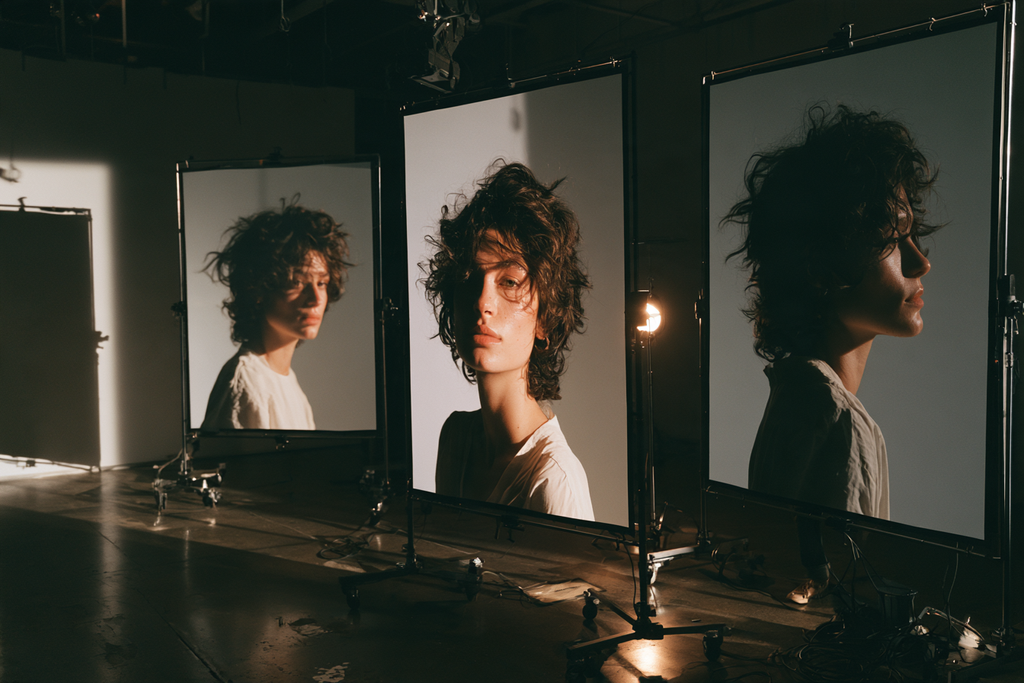
“Woman in her early forties, long narrow face, strong nose, dark wavy shoulder-length hair, olive skin, slightly asymmetric brows, tall slim build.”
The second description gives you something more specific.
Specificity creates recognizability.
Refera’s own character philosophy emphasizes individual anatomy, body proportions, age characteristics and subtle asymmetry for exactly this reason.
Step 2: Give the Character a Personality
Next, define how the character feels.
A useful method is to choose three personality traits.
For example:
Reserved. Precise. Observant.
Or:
Restless. Funny. Impulsive.
Or:
Confident. Elegant. Detached.
These traits will influence almost everything else.
A reserved character may:
- Hold eye contact differently
- Move less
- Dress more deliberately
- Occupy space differently
An impulsive character may:
- Move quickly
- Gesture more
- Wear less controlled clothing
- React more visibly
Personality should affect how the character appears on screen.
Otherwise, it remains invisible backstory.
Step 3: Decide What the Character Wants
A character becomes much more interesting when they want something.
This does not need to be complicated.
They may want:
- To find someone
- To escape
- To impress someone
- To hide something
- To get home
- To prove themselves
- To be left alone
- To discover the truth
- To start over
Motivation gives the scene direction.
Compare these two ideas:
“A man stands in a hotel lobby.”
Versus:
“A man stands in a hotel lobby waiting for someone who may never arrive.”
Visually, the scene may be similar.
Emotionally, it is completely different.
Now you know what the performance should feel like.
You know what kind of expression to generate.
You know why the camera might linger.
Motivation creates subtext.
Step 4: Build a Wardrobe Language
Wardrobe should not be random.
It should support the character.
Ask:
- What does this person normally wear?
- Do they care about appearance?
- Are they practical?
- Fashion-conscious?
- Conservative?
- Experimental?
- Wealthy?
- Broke?
- Formal?
- Relaxed?
You do not need to lock the character into one outfit.
Instead, create a styling language.
For example:
Character A
- Dark tailoring
- Minimal jewelry
- Structured coats
- Muted colors
Character B
- Vintage sportswear
- Oversized layers
- Worn sneakers
- Bright accessories
The outfits can change while the visual identity remains coherent.
That makes the character feel like a person with taste rather than a mannequin.
Step 5: Place the Character in a World
Now ask:
Where does this person belong?
This is not just about choosing a location.
It is about defining the visual world around them.
For example:
- Luxury hotels
- Industrial suburbs
- Underground clubs
- Coastal towns
- Corporate offices
- Futuristic cities
- Desert highways
- Old apartment buildings
- Train stations
- Fashion studios
A strong world supports the character.
A precise, controlled character may feel at home in symmetrical, minimalist environments.
A restless character may fit naturally into crowded streets or chaotic backstage spaces.
The world should create contrast or harmony with the personality.
Both can be interesting.
Step 6: Decide What Makes the Character Recognizable
If the character appears in multiple videos, you need visual continuity.
Ask what the audience should recognize immediately.
It might be:
- Hair shape
- Face structure
- Posture
- Body silhouette
- Eyewear
- Jewelry
- A recurring color palette
- A distinctive coat
Do not rely entirely on one accessory.
The strongest identity comes from several elements working together.
This matters especially for AI video, where characters may appear under different lighting, from different angles and in different clothing.
The underlying person should remain recognizable.
Step 7: Establish Reference Images Before Production
Once the character exists conceptually, establish them visually.
This is where reference images become important.
A useful set can include:
- Frontal portrait
- Three-quarter view
- Side profile
- Frontal full-body image
- Side full-body image
- Short reference video
The goal is not to create a gallery.
The goal is to define the identity.
Refera’s own reference-pack approach is built around this principle: a canonical physical specification is established first, followed by useful supporting views designed for downstream generation.
At this stage, you should be able to answer:
“This is the character. This is what they look like.”
Only then should you begin building scenes.
Step 8: Write the Scene Around the Character
Now you can start thinking about the video prompt.
Because the character already exists, the prompt can focus on:
- Action
- Environment
- Camera movement
- Lighting
- Mood
- Pace
For example:
Instead of:
“Stylish woman in her forties with dark wavy hair and olive skin walking through a luxury hotel lobby…”
you can think more like:
“The character walks slowly through the hotel lobby, scanning the room without turning her head. Smooth lateral tracking shot, warm evening light, subdued atmosphere.”
The character identity comes from your established references.
The prompt directs the scene.
That separation is powerful.
It reduces the temptation to redesign the character every time.
Step 9: Plan a Character Arc, Not Just Isolated Clips
If you want recurring content, think beyond one video.
Ask:
- Where does the character begin?
- What changes?
- What do they discover?
- What repeats?
- What visual motifs return?
A simple arc might be:
Scene 1: Arrives in a city
Scene 2: Checks into a hotel
Scene 3: Notices someone watching
Scene 4: Follows them into the street
Scene 5: Discovers something unexpected
Now the character is carrying the audience through the content.
This is much stronger than five unrelated cinematic clips.

Step 10: Let the Character Generate the Ideas
Once the character is well defined, ideas become easier.
Suppose your character is:
A 62-year-old former intelligence officer who now travels alone, dresses with understated elegance and rarely shows emotion.
That immediately suggests scenes:
- Airport lounge
- Night train
- Hotel bar
- Quiet café
- Old safe house
- Rainy street
- Luxury apartment
- Desert border crossing
The character becomes a creative engine.
You do not need to constantly invent ideas from scratch.
You ask:
“What would this person do next?”
A Simple Character Blueprint
Before writing any AI video prompt, fill in this short template:
Appearance:
What do they look like?
Age:
How old are they?
Distinctive Traits:
What makes them visually recognizable?
Personality:
Choose three words.
Motivation:
What do they want?
Wardrobe:
What kind of clothes do they naturally wear?
World:
Where do they belong?
Behavior:
How do they move and react?
Identity Anchors:
What should remain recognizable in every scene?
That is enough to transform a vague person into a usable character.
Example: From Generic Prompt to Character-Led Concept
Start with this:
“Cinematic woman walking through Tokyo at night.”
It works visually.
But it is generic.
Now build the character.
Appearance:
Woman, 38, narrow face, short dark hair, strong brows, medium build.
Personality:
Calm, observant, secretive.
Motivation:
She is searching for someone who disappeared.
Wardrobe:
Minimal dark clothing, tailored coat, practical shoes.
World:
Night trains, hotels, city streets, quiet restaurants.
Now the scene becomes:
“The character exits a nearly empty night train and steps onto a rain-soaked platform. She pauses briefly after noticing someone at the far end. Slow push-in, reflections on the ground, restrained performance, quiet tension.”
The second idea feels more specific because the character exists before the shot.
Why This Helps Character Consistency Too
A character-first workflow is not only better creatively.
It can also help consistency.
When you define:
- Appearance
- Reference images
- Wardrobe logic
- Identity anchors
before production, you create a stable source of truth.
You are less likely to reinvent the character in every prompt.
That matters because repeated redesign can contribute to identity drift.
A reusable character should feel fixed even when:
- Location changes
- Clothes change
- Lighting changes
- Camera angle changes
The world can move around them.
The identity stays stable.
Do Not Overwrite the Character in Every Prompt
Once the character is established, avoid constantly describing them from scratch.
If you repeatedly add new facial instructions, you risk introducing contradictions.
For example:
Prompt 1:
“Narrow face, sharp jaw.”
Prompt 2:
“Soft oval face.”
Prompt 3:
“Defined square jaw.”
Those small differences can accumulate.
Let your reference material carry the identity.
Use prompts to direct the performance.

Final Thoughts
AI video makes it easy to start with a shot.
But strong character-led work usually starts earlier.
Before thinking about camera movement, lighting or cinematic style, define:
- Who the person is
- What they look like
- How old they are
- How they behave
- What they want
- What they wear
- Where they belong
- What makes them recognizable
Then build the video around them.
This changes the creative process.
You stop asking:
“What cool shot can I generate?”
And start asking:
“What should happen to this character next?”
That is a much stronger foundation for storytelling.
And it is one of the clearest ways to move from isolated AI clips toward actual character-driven productions.
Cast the Character Before You Build the Scene
Refera Studios creates distinctive fictional characters designed for reusable AI image and video workflows.
Instead of inventing a new face every time you start a prompt, choose a recognizable identity first — then build the world, story and cinematography around them.
Character first. Prompt second.
Discover → Purchase → Create.
Products by Category
-

F-0005 SOFIA
€ 6,99 -
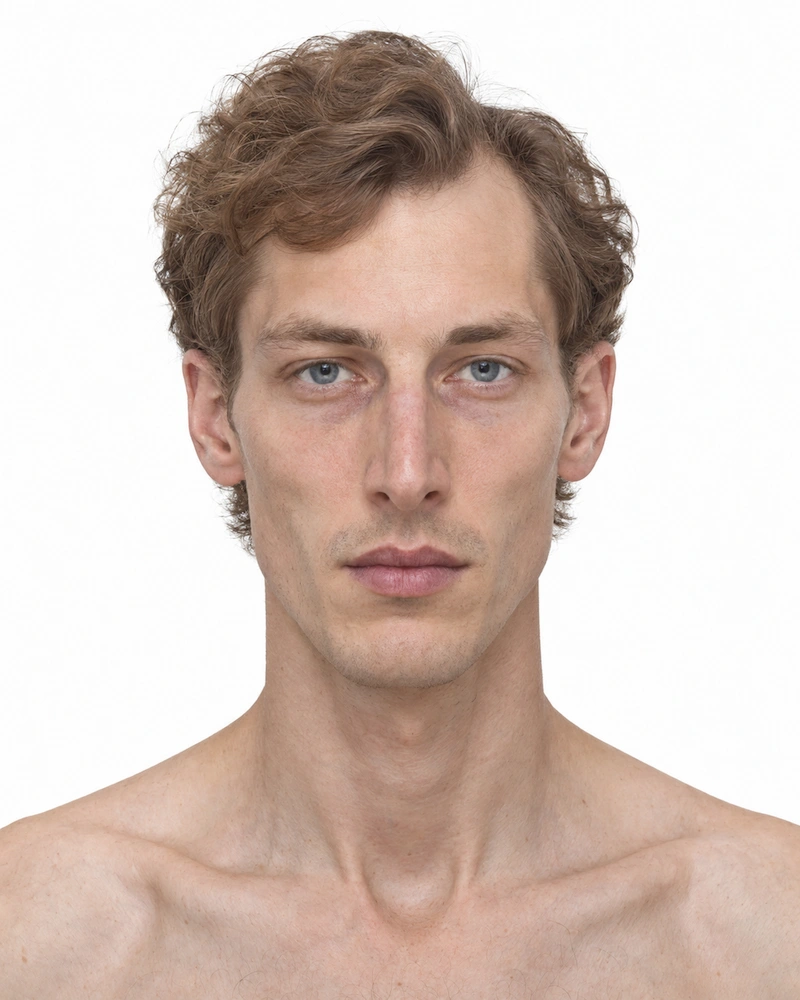
M-0002 ELIAS
€ 6,99 -
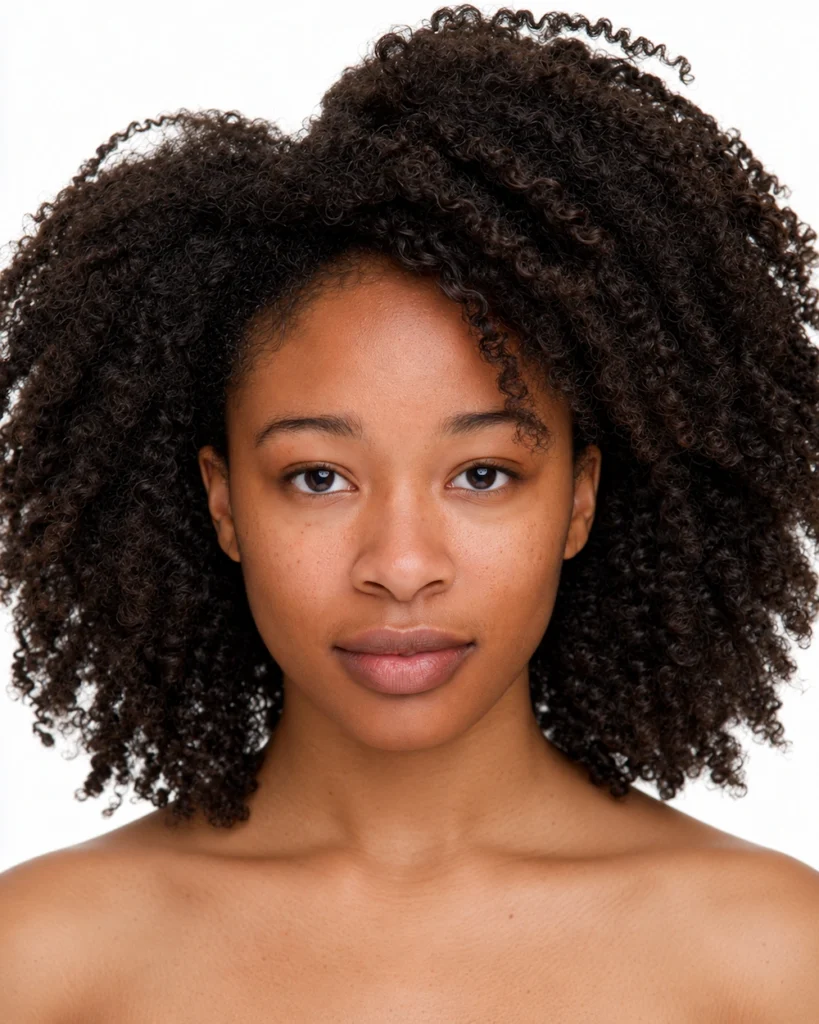
F-0004 ZURI
€ 6,99 -

M-0007 IDRIS
€ 6,99 -

F-0001 AVA
€ 6,99 -

F-0002 NADYA
€ 6,99 -

M-0001 LEO
€ 6,99 -

M-0004 ARUN
€ 6,99 -

F-0003 MAYA
€ 6,99